
Download Student Check In – student check in, kiosk system, school check in, student attendance, student visit tracking, digital check in, student information system, school management tool
Overview
The Student Check In app is a specialized kiosk add-on designed to streamline the arrival process for students within educational institutions. By enabling students to self-check in using a touch screen interface, the app eliminates the need for manual sign-in sheets or paper-based systems. This digital solution supports schools in managing student attendance and visit tracking with greater efficiency and accuracy. The primary purpose of the app is to reduce administrative burden on staff while improving the overall experience for students and school personnel alike.
Target users include school administrators, front office staff, and educators who oversee student arrivals, particularly in environments where student check-ins are routine. The app addresses common challenges such as long wait times, misplaced records, and delayed response to student needs. By automating data collection and organization, Student Check In enhances operational flow during peak arrival hours. Its real-world use cases span daily morning check-ins, after-school program sign-ins, and visits from parents or external guests.
The developer, Student Check In, appears to focus exclusively on educational management tools. Although no additional background information about the company was provided, the app’s functionality suggests a targeted approach to school operations. In the broader app ecosystem, Student Check In fills a niche by offering a dedicated digital kiosk solution that integrates seamlessly with existing student information systems. This makes it a valuable asset for schools seeking to modernize their check-in procedures without extensive infrastructure changes.
Key Features & Functionality
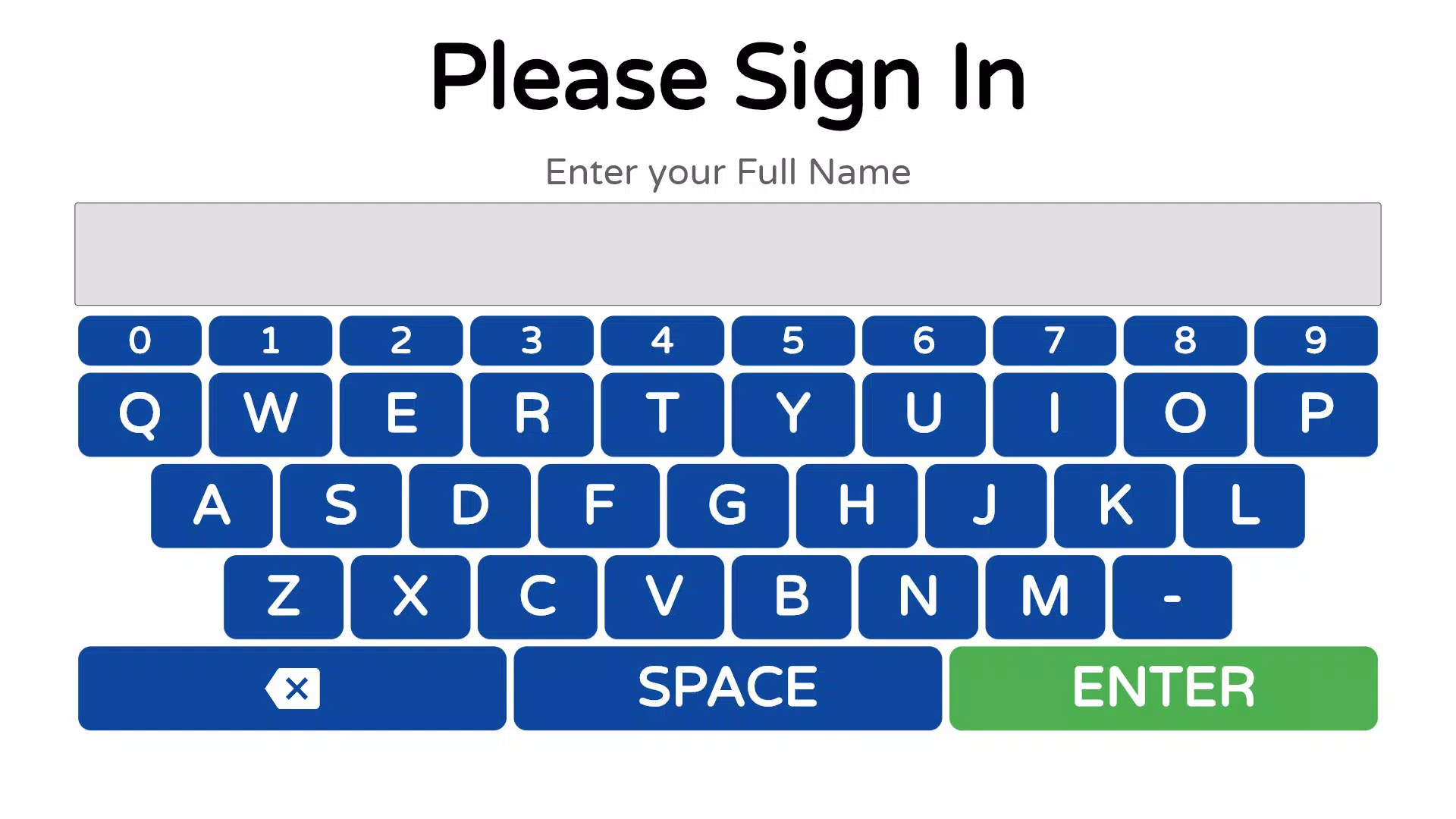
- Touch Screen Interface: The app features an intuitive touch screen interface that allows students to enter their name, student ID, and the reason for their visit with minimal effort. This design reduces friction during check-in, especially in high-traffic areas like school entrances or administrative offices.
- Automatic Information Organization: All data collected at the kiosk is automatically sorted and sent to staff displays in real time. This ensures that relevant information is immediately accessible, minimizing delays in response and improving workflow efficiency.
- Real-Time Staff Interaction: Staff can acknowledge check-ins and add comments directly through connected displays. This two-way communication capability supports timely follow-up and helps track student status throughout their visit.
- Comprehensive Visit Tracking: The system logs the purpose of each visit, enabling schools to analyze patterns in student behavior, attendance trends, and service demand over time. This data can inform future planning and resource allocation.
- Enhanced Customer Service: By reducing wait times and minimizing administrative overhead, the app allows staff to focus on providing personalized attention. This shift contributes to a more welcoming and responsive school environment.
For example, during morning arrival, a student can quickly check in using their ID, and a staff member can immediately see the entry and begin assisting them. Similarly, after-school program attendees can be tracked with precision, ensuring no student is overlooked. These practical applications demonstrate the app’s value in real school settings.
Use Case: Morning Arrival Efficiency
In a typical school morning, students arrive in waves. With Student Check In, each student can sign in within seconds, reducing congestion at the front desk. The system instantly displays the check-in on staff screens, allowing staff to prepare for student needs before they arrive.
Interface, UX & Performance
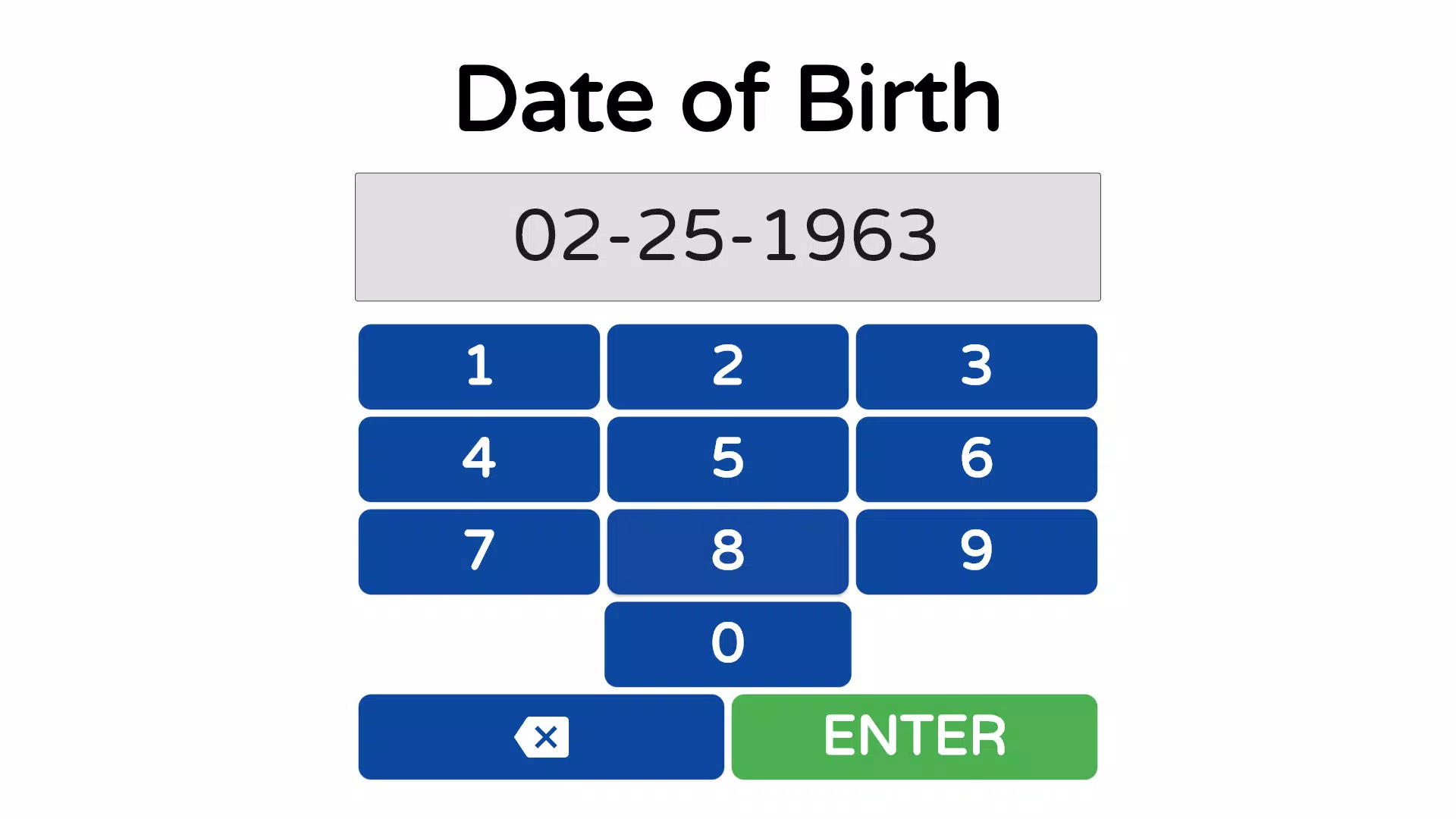
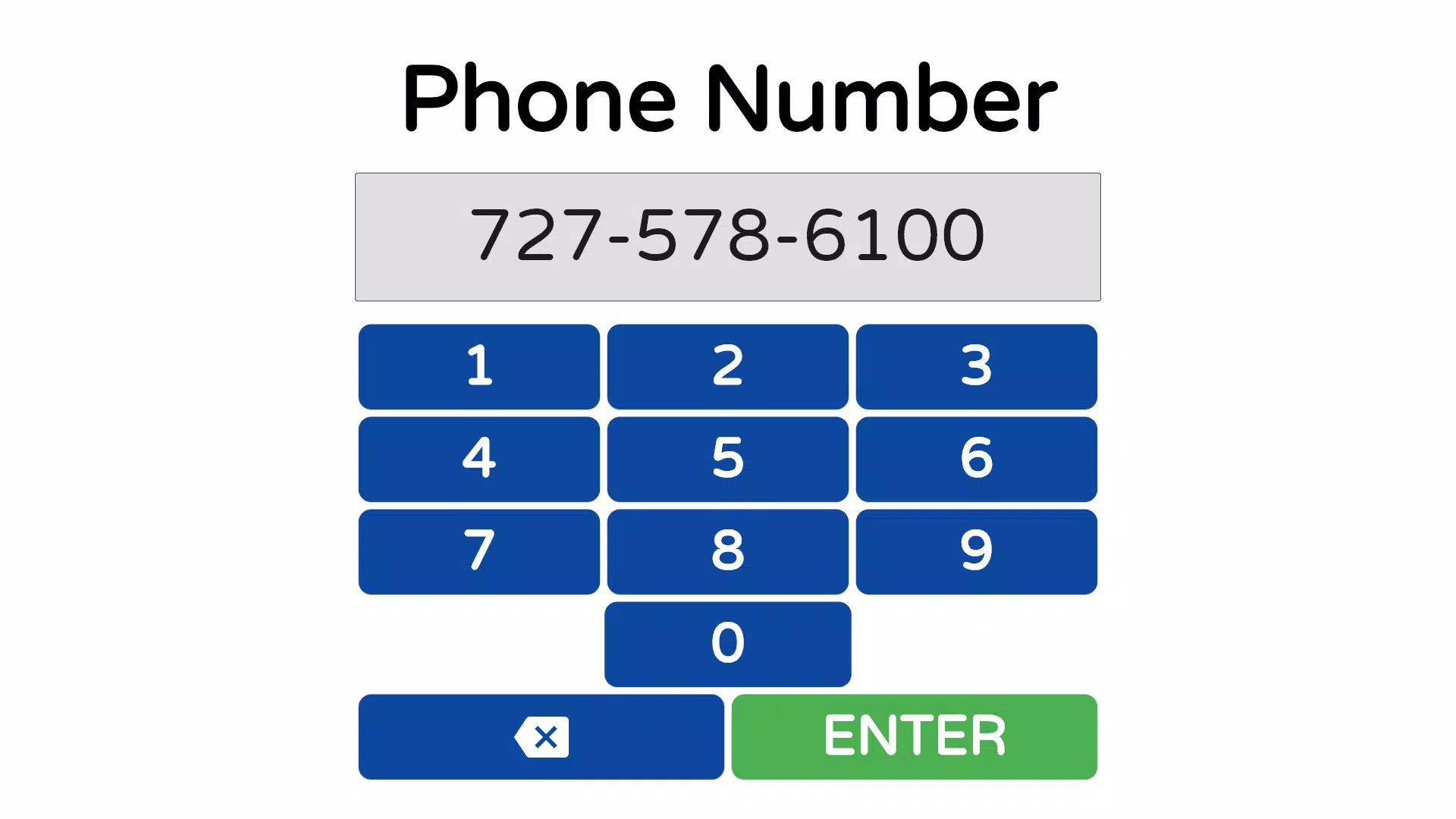
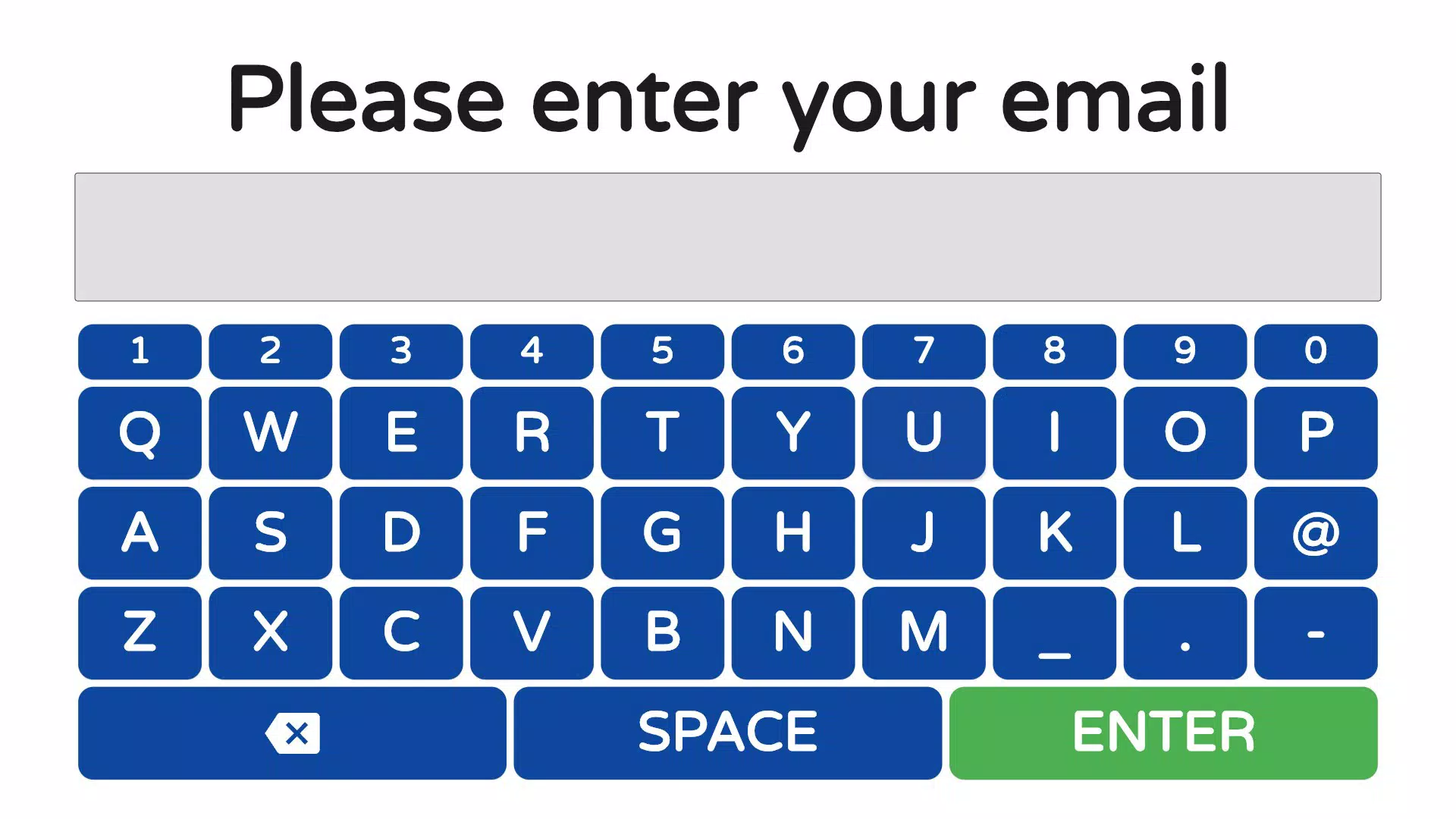
The user interface of Student Check In is designed for simplicity and speed, prioritizing ease of use for students of varying ages and technical experience. The layout is clean, with large input fields and clear navigation cues, minimizing the chance of input errors. The touch screen functionality responds promptly to user interactions, supporting a smooth and frictionless experience.
Navigational flow is linear and intuitive—students enter their name, input their student ID, select the reason for their visit from a predefined list, and submit. The interface provides visual feedback upon submission, confirming successful entry. This design reduces confusion and ensures that students understand each step of the process.
Although the developer did not list formal performance metrics, the app’s lightweight size of 15.4 MB suggests optimized performance. It is expected to run efficiently on standard Android devices used in school kiosks. Responsiveness appears consistent across device categories, though specific testing on older hardware was not disclosed. Stability during extended use was not detailed, but the absence of reported issues in the release notes indicates a reliable operation.
Platform Compatibility & Technical Requirements
Student Check In is available exclusively on the Android platform. The current version is 1.0.0, with a file size of 15.4 MB. The app is free to download and install, making it accessible for schools with limited budgets.
The developer did not specify minimum OS requirements or compatibility details beyond the platform. As such, it is recommended to verify device compatibility before deployment. The app may function on Android devices running recent versions, but official support for older OS versions was not confirmed. Schools should ensure their kiosk hardware meets the necessary specifications for stable operation.
Pros and Cons
Pros
- Intuitive touch screen interface for quick student check-ins
- Automatically organizes and displays data for staff in real time
- Supports real-time staff interaction and follow-up
- Tracks visit reasons for improved data insights
- Free to download and install, reducing cost barriers
Cons
- Platform availability limited to Android only
- Specific OS version requirements were not disclosed
- Compatibility with older kiosk hardware was not confirmed
- Developer did not provide detailed performance benchmarks
- No information on cloud sync or backup mechanisms
FAQ
Is Student Check In available for iOS devices?
The app is currently only available on Android. There is no official iOS version reported at this time.
Can the app be used offline?
Specific offline functionality was not disclosed. The app likely requires a network connection to send data to staff displays.
Is the app secure for student data?
While no specific security details were provided, the app collects personal student information. Schools should ensure proper data handling practices are in place.
How often is the app updated?
The developer has not published a public update schedule. The current version is 1.0.0, released on September 24, 2024.
Can staff access check-in data from multiple devices?
The app supports real-time display of check-in data on staff screens. However, details on multi-device access or remote viewing were not provided.
Final Thoughts
Student Check In offers a focused, practical solution for schools aiming to digitize their student arrival process. Its clean interface, real-time data flow, and emphasis on operational efficiency make it a strong candidate for kiosk deployment in educational settings. The app’s ability to track visit reasons and support staff communication adds meaningful value beyond basic attendance logging.
While it is limited to Android and lacks detailed technical disclosures, its lightweight design and free access make it accessible for many schools. Administrators seeking to reduce manual work and improve student service will find this tool beneficial. For institutions investing in modern, digital school management systems, Student Check In provides a reliable entry point into smart kiosk technology.
Download Student Check In now


